Workforce compliance
Manage workforce compliance records.
Give HR, compliance and operations teams a clear route from requirements to reviewed records.
Book a demoTeam member
See the evidence and action behind each status.
Set the starting point
Connect each person to the requirements for their work.
Define the evidence needed for the role and bring your existing worker records into the system.
Keep organisational documents, worker evidence and review responsibilities distinct. The next reviewer should understand what they are looking at.
Bring your existing records across ↗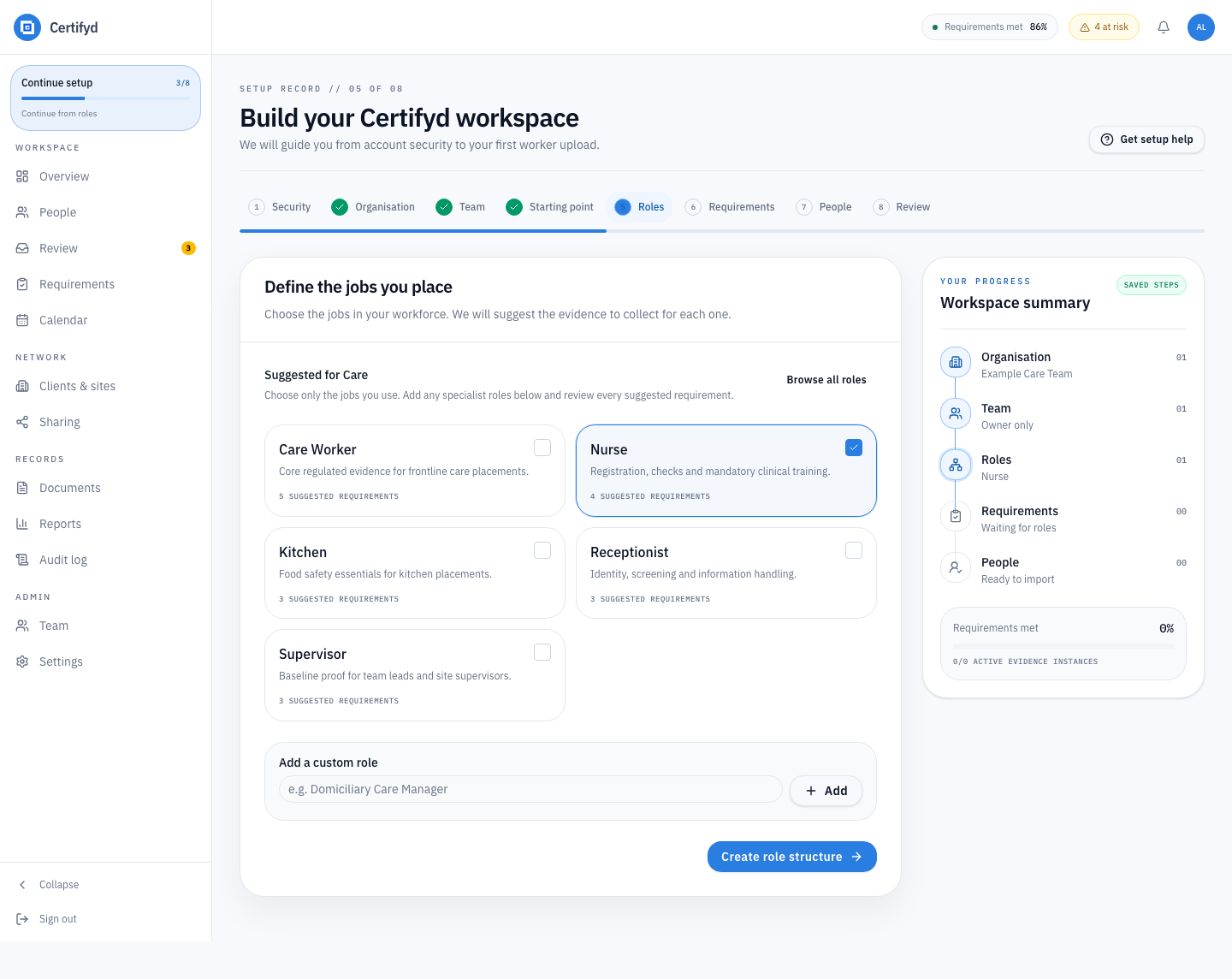
See what needs attention
Follow missing evidence and pending reviews.
Move from a workforce view to the individual record. Read the evidence beside its status and decide the next action.
An uploaded document is not the same as a completed review. Keep that distinction visible to the team making the decision.
Find and follow compliance gaps ↗Team member
Review supplied evidence
Keep the record useful
Plan renewals and record the next review.
Track dates against the evidence they belong to. Keep the review history so the next check starts with useful context.
Connect this record to the worker’s app and recorded site activity when those workflows are relevant to your team.
Organise the recurring work ↗Team member
Arrange renewal before the recorded expiry
Clear responsibilities
Review worker-shared evidence alongside company records.
People hold their personal credentials. Your organisation maintains company documents, worker requirements and review history. The workforce view connects what is shared for work.
Review access and data handling ↗Prepare your process
Prepare your workforce checks.
Review evidence requirements for related roles.
See your workflow
Review workforce records in a demo.
Bring a role, a worker record and a recurring check. We’ll show how your team can follow requirements, evidence and the next action.
Book a demo